
 Select Photos
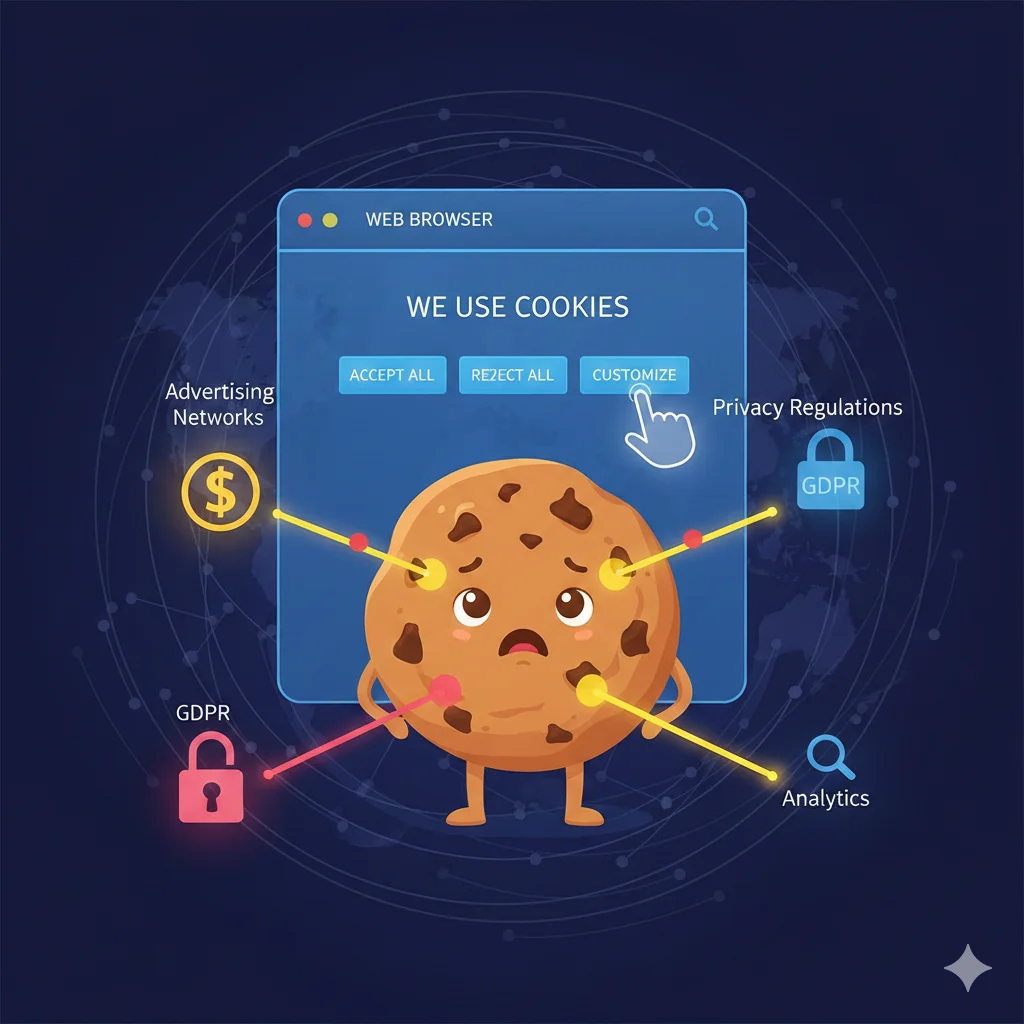
THE COOKIE PROBLEM: WHY EVERY WEBSITE ASKS FOR COOKIES AND WHAT SHOULD YOU CHOOSE?
I. WHAT ARE COOKIES? WHY ARE THEY EVERYWHERE?Basically, Cookies are small text files that a website server stores on your browser (Chrome, Safari, Edge...). They act as a "memory card" that helps the website recognize who you are during subsequent visits.
Why does every website ask for Cookies now? The reason isn't technology; it's the law:
- GDPR (General Data Protection Regulation - Europe): Forces websites to obtain explicit consent from users before collecting data.
- CCPA (California Consumer Privacy Act): Similar to GDPR but applied in the US.
Because the Internet is global, websites choose to display these notification banners to all users to avoid massive fines.
II. CLASSIFYING COOKIES: NOT ALL OF THEM ARE "BAD"
To make the right decision, you need to distinguish between the three main types:
1. Essential Cookies: Help the website function (e.g., keeping you logged in, maintaining your shopping cart).
- Recommendation: Mandatory. Without them, the website will break.
2. Performance/Analytical Cookies: Help the web owner know which pages are read the most and how long you stay.
- Recommendation: Recommended. It helps improve the content you are viewing.
3. Marketing/Advertising Cookies: Track your habits to show ads that match your interests.
- Recommendation: Consider carefully. This is the primary source of the feeling of being "followed."
III. "THE COOKIE PROBLEM": WHAT ARE THE POTENTIAL RISKS?
The problem lies not with the website's own cookies (First-party Cookies), but with Third-party Cookies.
- Privacy Invasion: An advertising network can place cookies on thousands of different websites to build a precise portrait of your interests, income, health status, and habits.
- Security Risks: Hackers can perform "Cookie Hijacking" attacks to steal your login session, accessing accounts without needing a password.
IV. WHAT SHOULD YOU CHOOSE WHEN THE NOTIFICATION POPS UP?
Strategy 1: "Accept All"
- Pros: Fast, smooth web experience.
- Cons: Personal data is shared widely.
Strategy 2: "Reject All" / "Essential Only"
- Pros: Maximum privacy, limits being "stalked" by ads.
- Cons: May have to log in repeatedly; lose some personalized features.
Strategy 3: "Customize" - The Smartest Choice
If you have 10 seconds, click on "Manage Settings" or "Customize":
- Always keep Essential Cookies.
- Turn off Marketing/Advertising Cookies.
- Turn off Personalization Cookies if you don't want the site to save your search history.
V. THE FUTURE OF COOKIES: A "COOKIELESS" WORLD
Major browsers like Safari and Firefox already block third-party cookies by default. Google Chrome is moving toward the "Privacy Sandbox," allowing ads to function without revealing individual identities.
VI. CONCLUSION
Cookies are tools that make the Internet more convenient, not viruses. However, control is in your hands. Instead of clicking "Accept" subconsciously, take a second to select "Essential Only" to protect your digital footprint.
#TheCookieProblem #InternetPrivacy #DataProtection #DigitalSecurity #OnlinePrivacy #WebBrowsing #CyberSecurityTips #GDPR #ThirdPartyCookies #TechEducation
Likes
Comment
Stories
-
Creat Your Story
time to story
-

Anna Mull
1 hour ago
-

Ira Membrit
4 hour ago
-

Bob Frapples
9 hour ago
Events
-

Web Workshop
1 hour ago
-

Fun Events and Festivals
1 hour ago
Upcoming Birthday
-

Anna Sthesia
Today
-

Paul Molive
Tomorrow